















Featured Demo


Slots, live dealers, crash games and tables — all in one place.
 Immortal Romance
Microgaming
Immortal Romance
Microgaming
 Bonanza Megapays
Big Time Gaming
Bonanza Megapays
Big Time Gaming
 Mega Moolah
Microgaming
Mega Moolah
Microgaming
 Rainbow Riches
Barcrest
Rainbow Riches
Barcrest
 Thunderstruck II
Microgaming
Thunderstruck II
Microgaming
 UK Roulette Live
Playtech
UK Roulette Live
Playtech
 Mega Fire Blaze Blackjack
Playtech
Mega Fire Blaze Blackjack
Playtech
 Quantum Roulette
Playtech
Quantum Roulette
Playtech
 Grand Blackjack
Playtech
Grand Blackjack
Playtech
 Super Sic Bo Live
Evolution
Super Sic Bo Live
Evolution
 Yahtzee
Instant Tap
Yahtzee
Instant Tap
 Keno
Not specified
Keno
Not specified
 Lightning Roulette
Evolution
Lightning Roulette
Evolution
 Crazy Time
Evolution
Crazy Time
Evolution
 Monopoly Live
Evolution
Monopoly Live
Evolution
 Infinite Blackjack
Evolution
Infinite Blackjack
Evolution
 Baccarat Live
Evolution
Baccarat Live
Evolution
 First Person Dream Catcher
Evolution Gaming
First Person Dream Catcher
Evolution Gaming
 Mega Wheel
Pragmatic Play
Mega Wheel
Pragmatic Play
 Deal or No Deal Live
Evolution
Deal or No Deal Live
Evolution
 Casino Hold'em Live
Evolution
Casino Hold'em Live
Evolution
 Power Up Roulette
Pragmatic Play
Power Up Roulette
Pragmatic Play
 Sweet Bonanza Candyland Live
Pragmatic Play
Sweet Bonanza Candyland Live
Pragmatic Play
 Three Card Poker Live
Evolution
Three Card Poker Live
Evolution
Fancy a look before you commit? Fire up any demo below — no account, no deposit needed.



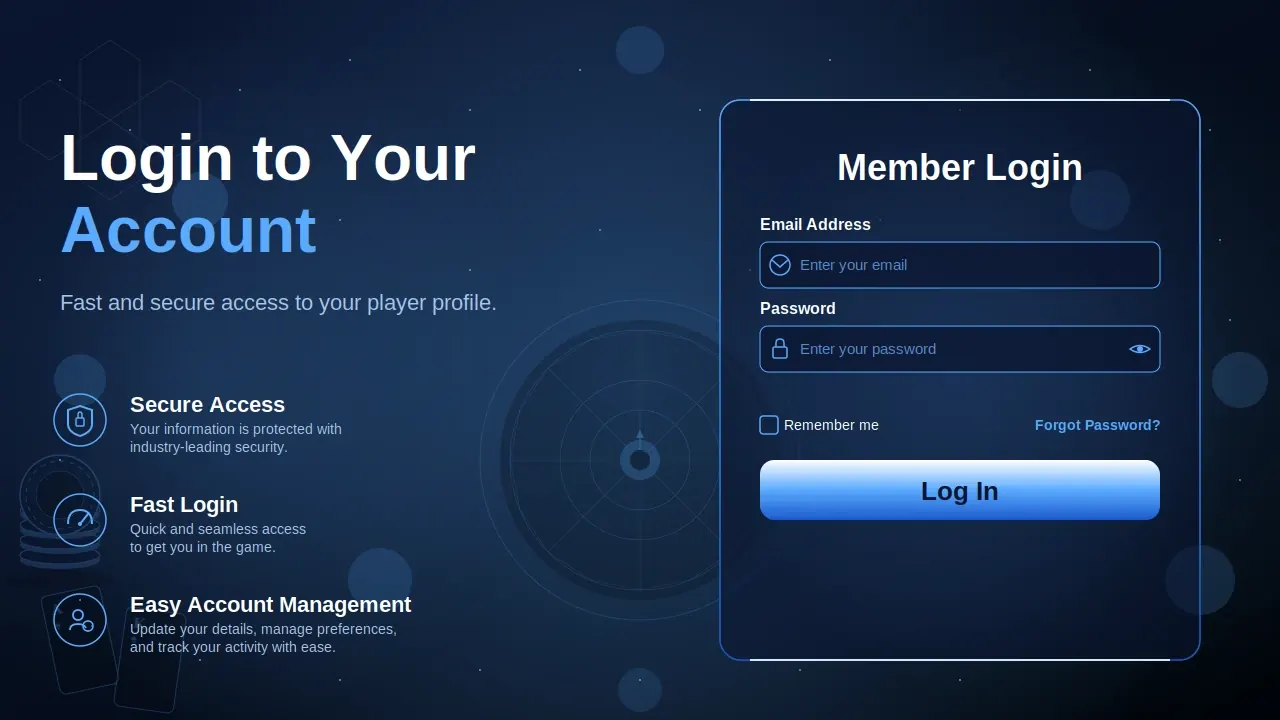
Getting into your LTC account takes seconds, on your laptop or your phone. Follow the steps below. Your details stay encrypted the whole way through.
Here's how to log in to LTC on desktop:
Logging in on mobile is just as quick. Use your browser, or open the LTC Casino app if you've got it.
The login is built to be fast on desktop and mobile without cutting corners on security. Same experience wherever you play from.
Log in from anything — laptop, tablet, phone. Your account syncs across all of them, so you can start a session on one device and pick it up on another without losing a thing.
2FA adds a second step after your password: a one-time code sent to your email or phone. Enter it and you're in.
How to turn on 2FA:
That way, even if someone gets your password, they still can't get into your account.
Logging in usually just works, but now and then something snags. Here are the most common LTC login problems and how to clear them up fast.
| Problem | Fix |
|---|---|
| Forgot Password | Hit “Forgot Password?”, enter your email, and reset it with the link we send. |
| Account Locked or Suspended | Get in touch with support and complete any checks needed to get back in. |
| 2FA Code Not Working | Check your signal, confirm your email/phone is right, and request a fresh code. |
| Browser or Device Trouble | Try another browser, clear your cache and cookies, or update your device. |
| Wrong Email or Username | Check the spelling and make sure it's the account you think it is. |
Your account security is the thing we take most seriously. We've built in a few tools to protect it — and there's plenty you can do on your end too. Here's how to lock things down.
Two-factor authentication is the single best thing you can do for your account. Switch it on and your password stops being the only thing standing between a stranger and your balance.
Why bother with 2FA:
We'd recommend every player turns it on. It takes a minute to set up.
A few habits that keep your account out of the wrong hands:
Do those, turn on 2FA, and the odds of anyone getting into your LTC account drop through the floor.
The questions we get asked most about logging in. If yours isn't here, our support team is around — just ask.
